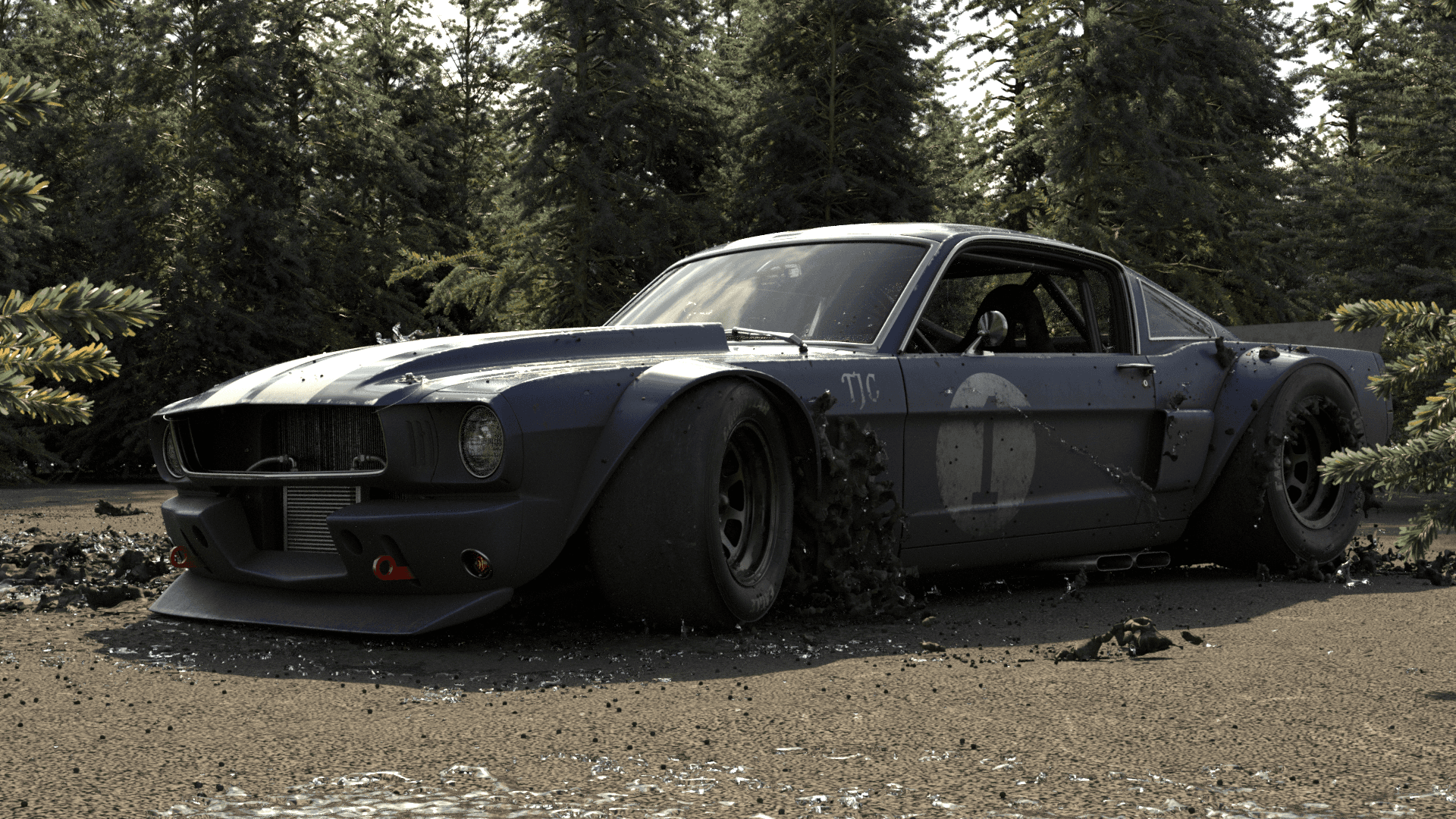
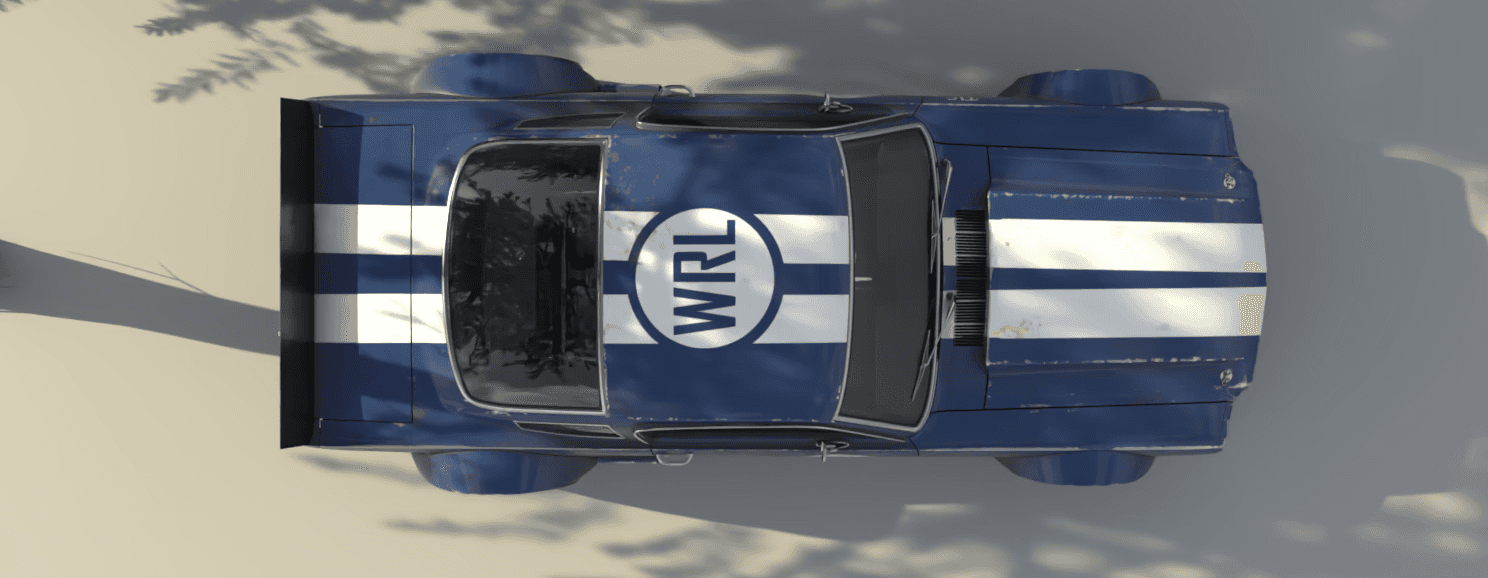
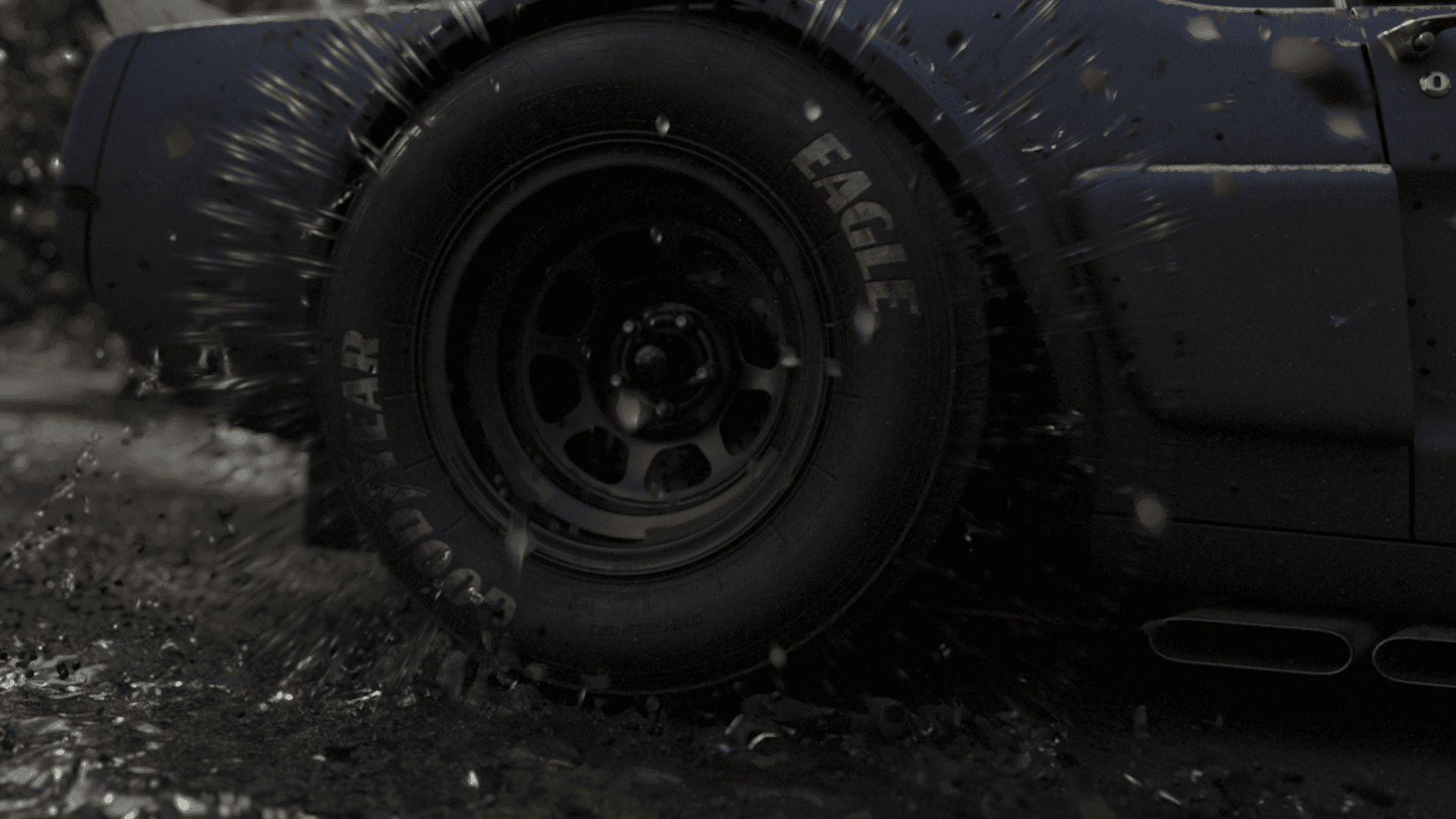
Create a small car lockup shot with mud and water simulations made using the new Houdini mcm solver and rbd car rig. als get used to a vfx pipe line where lighting and modeling and simulation are all different departments.
Sep 25, 2025
Case study, 3D,
Houdini, Animation,
Karma, studentWork
Tags
Houdini,
Substance Painter, Nuke
USD, cashing, and variants oh my!
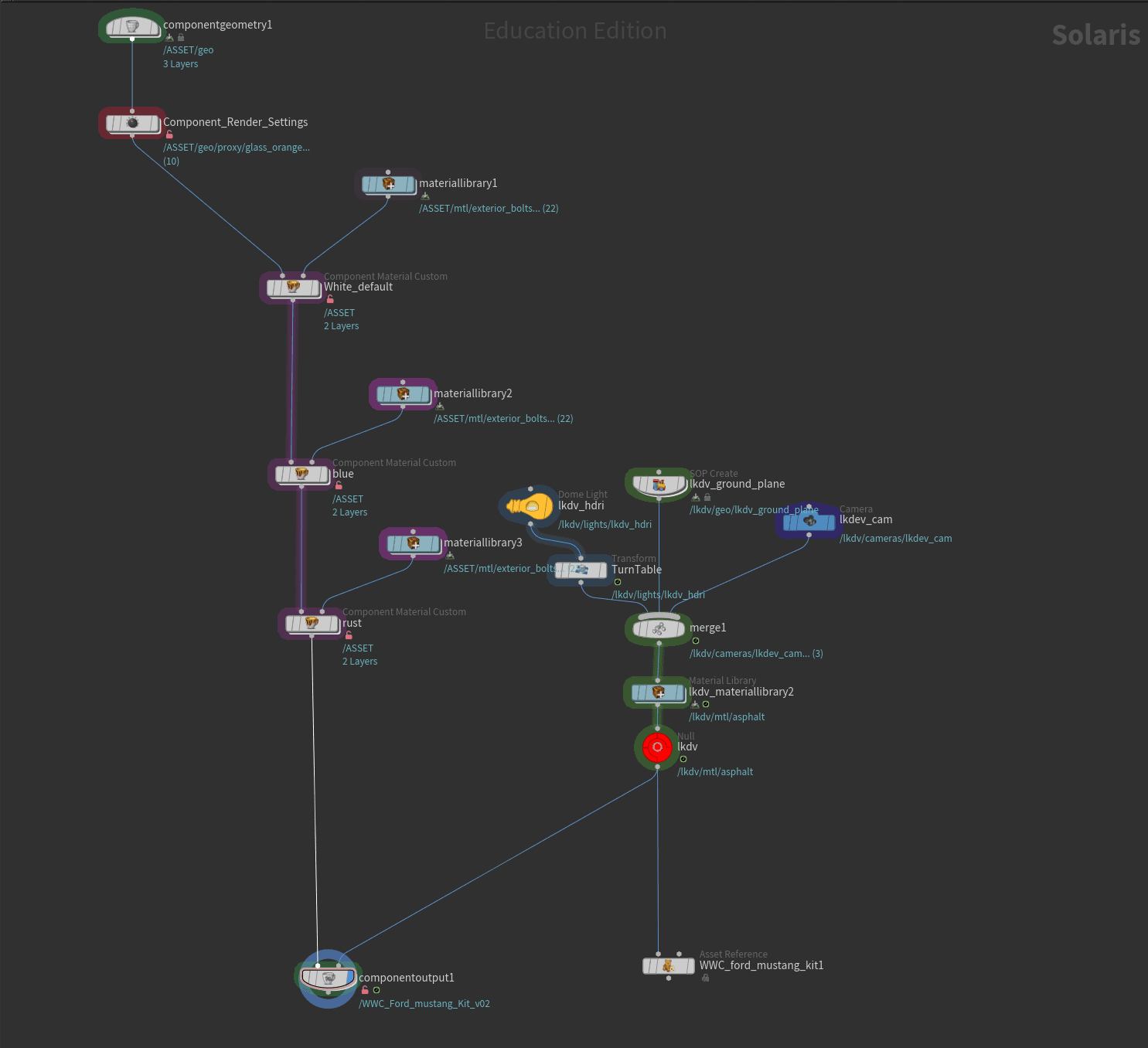
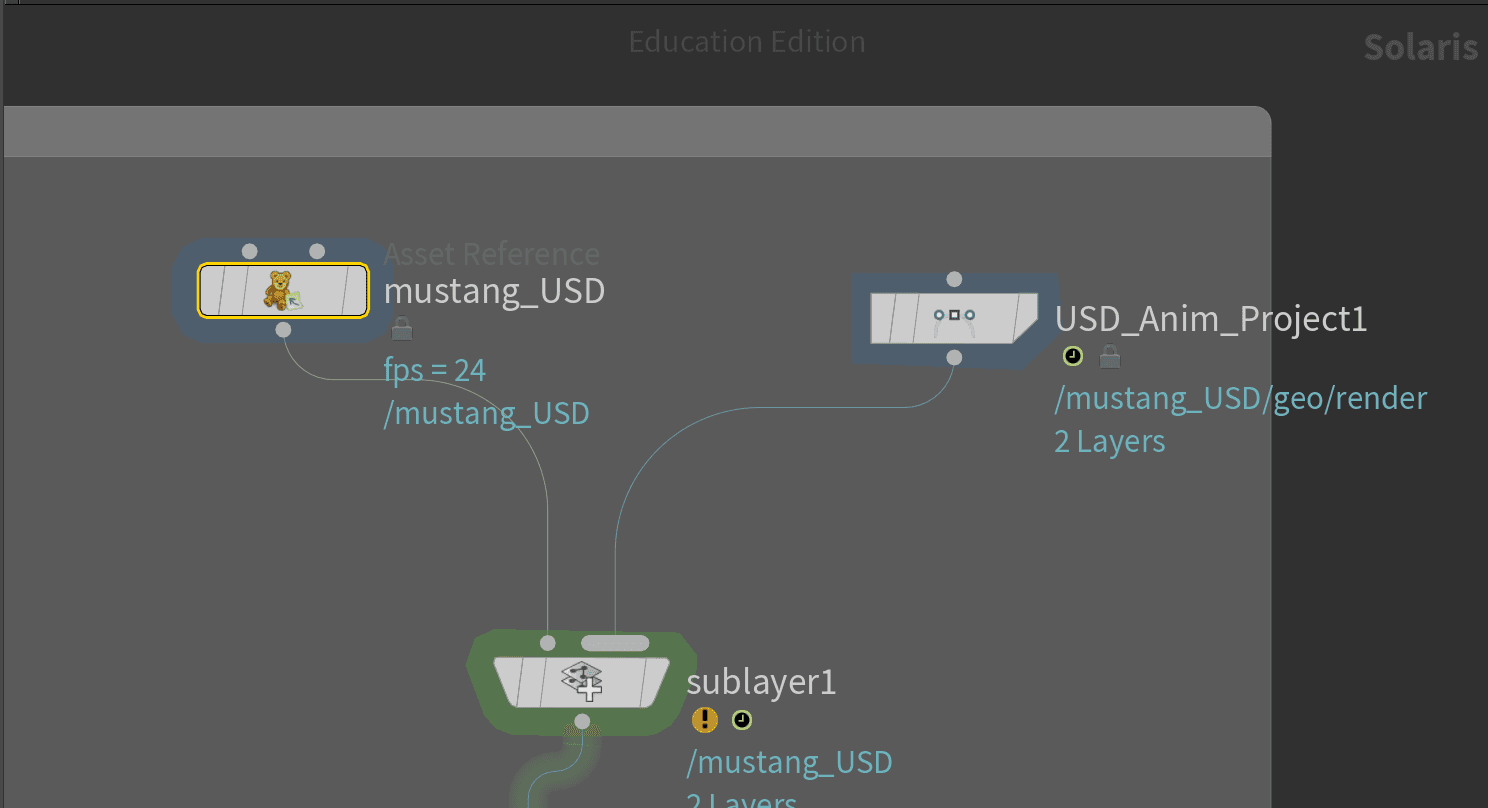
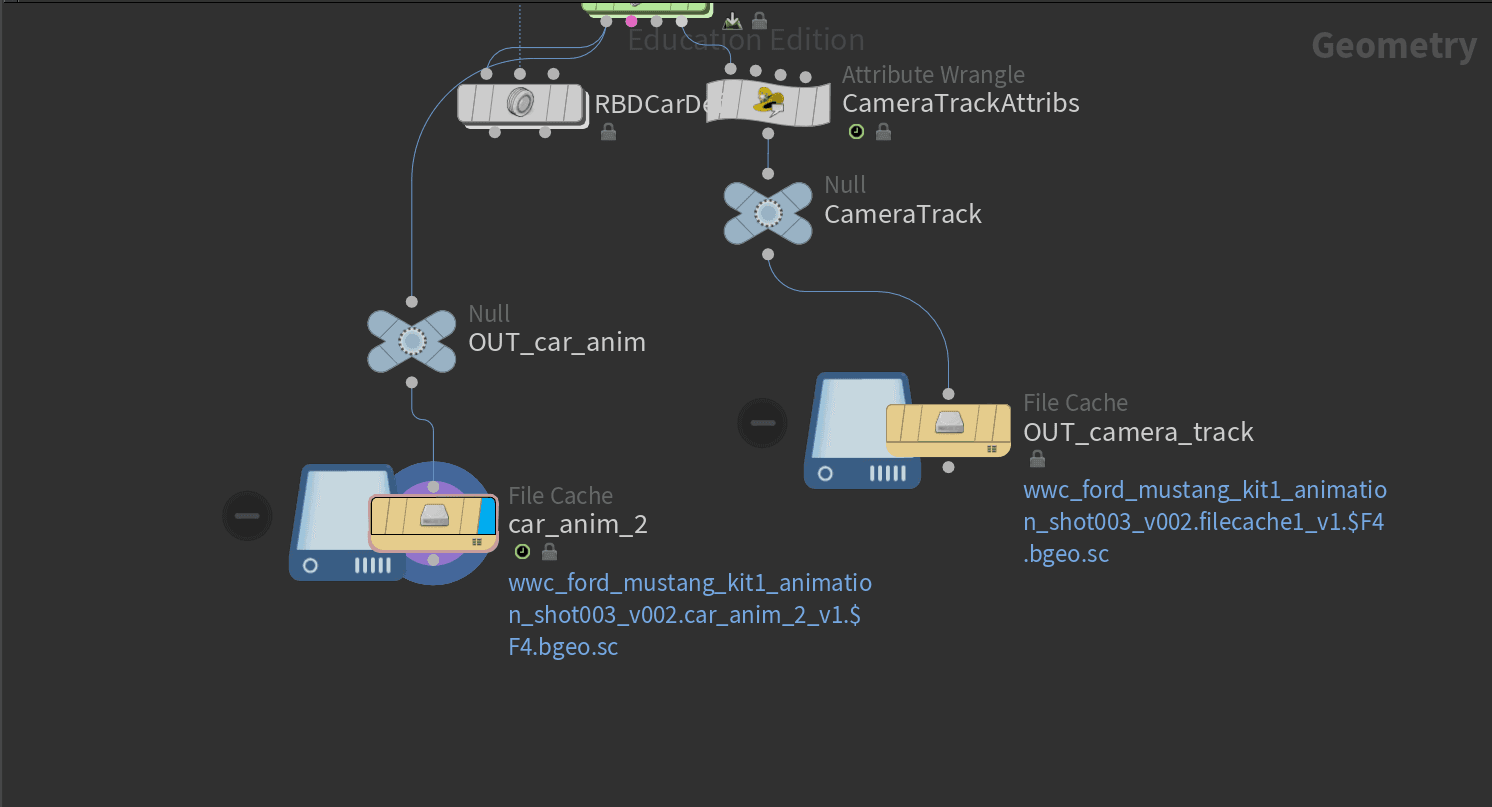
A large part of this project involved learning and working with USD—Universal Scene Description—and using it to project cached USD data onto an already animated, cached car simulation. This workflow added a bit more setup on the front end, but it gave me significantly more flexibility during the lighting, texturing, and animation phases.
Final tree setup using scattered points and copying tree variants to them
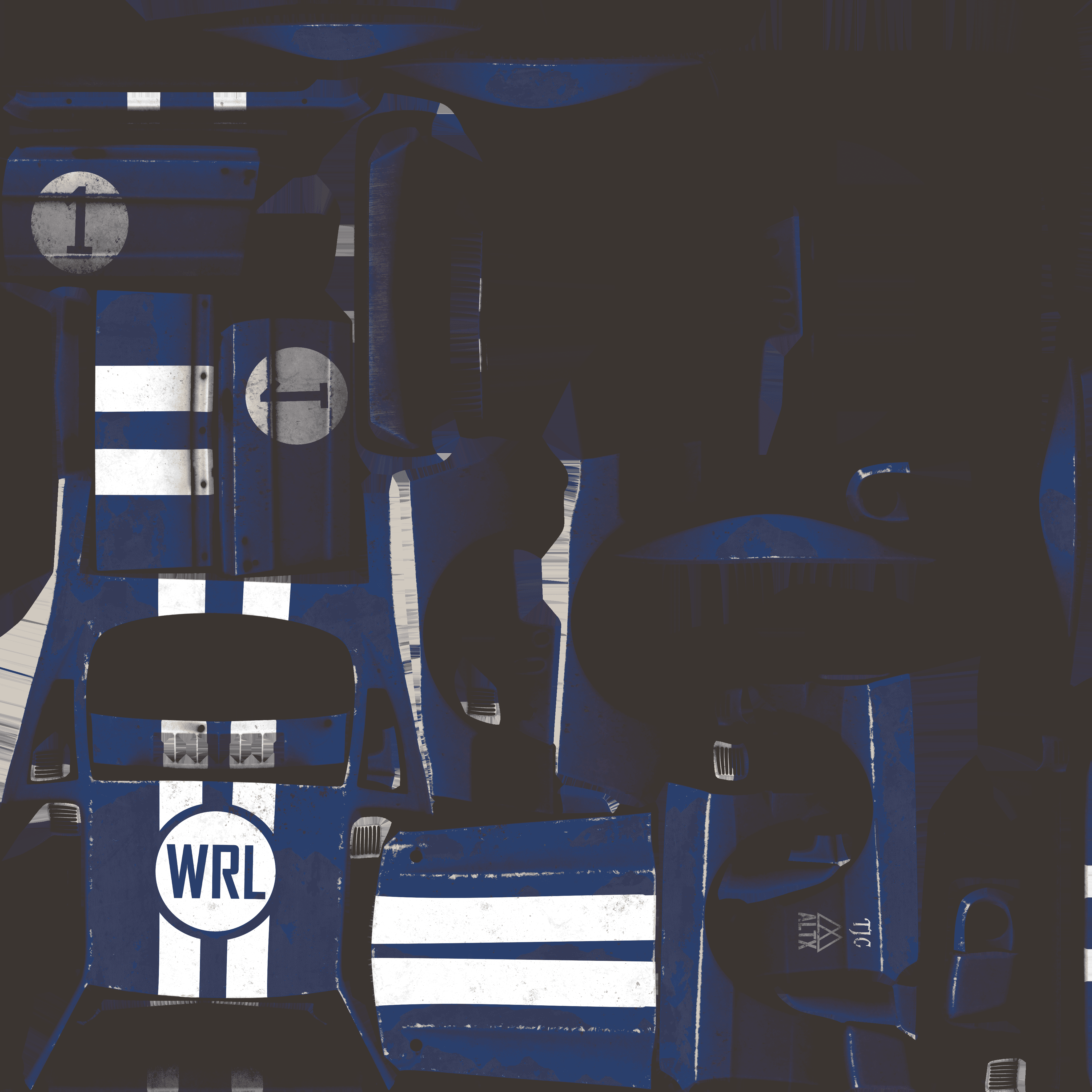
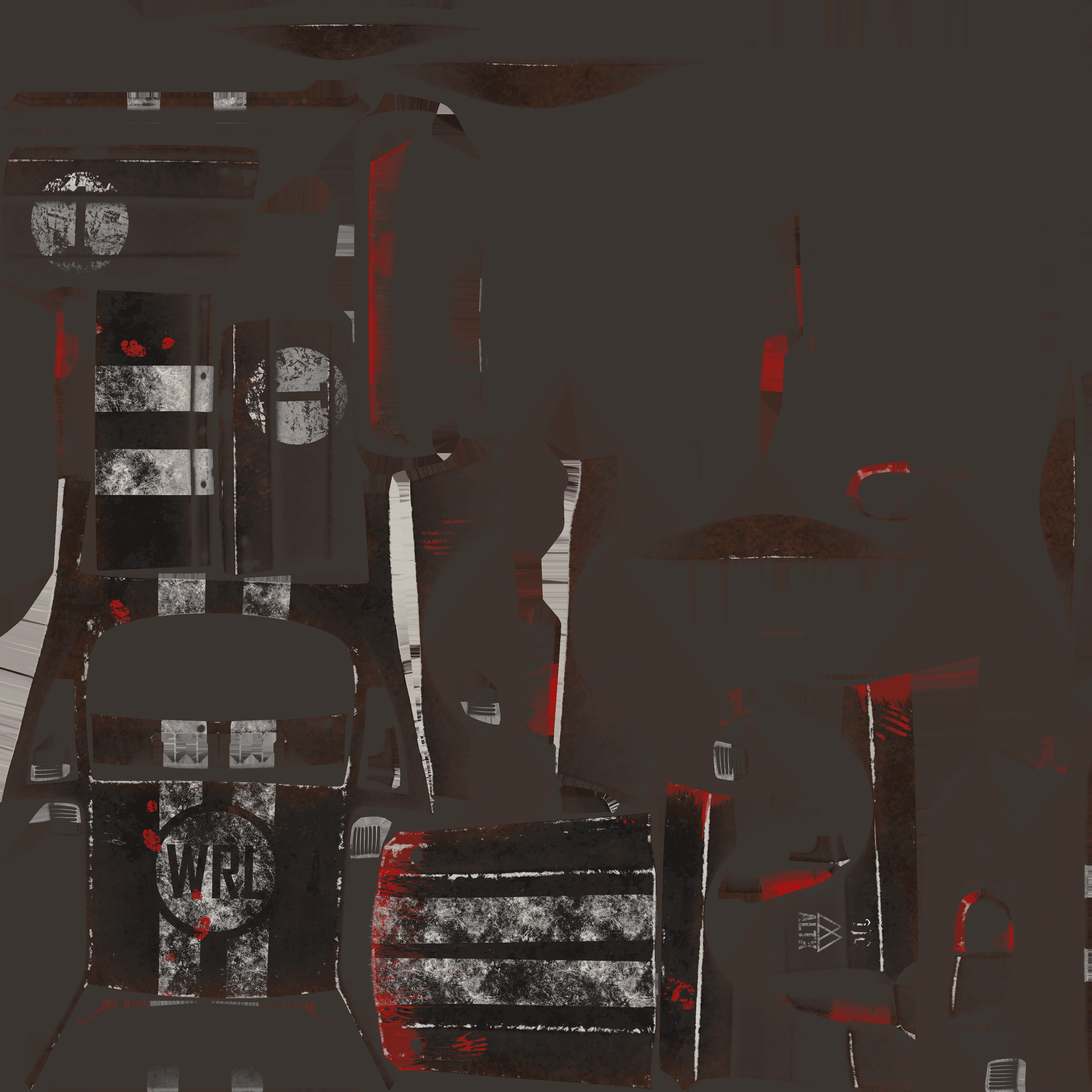
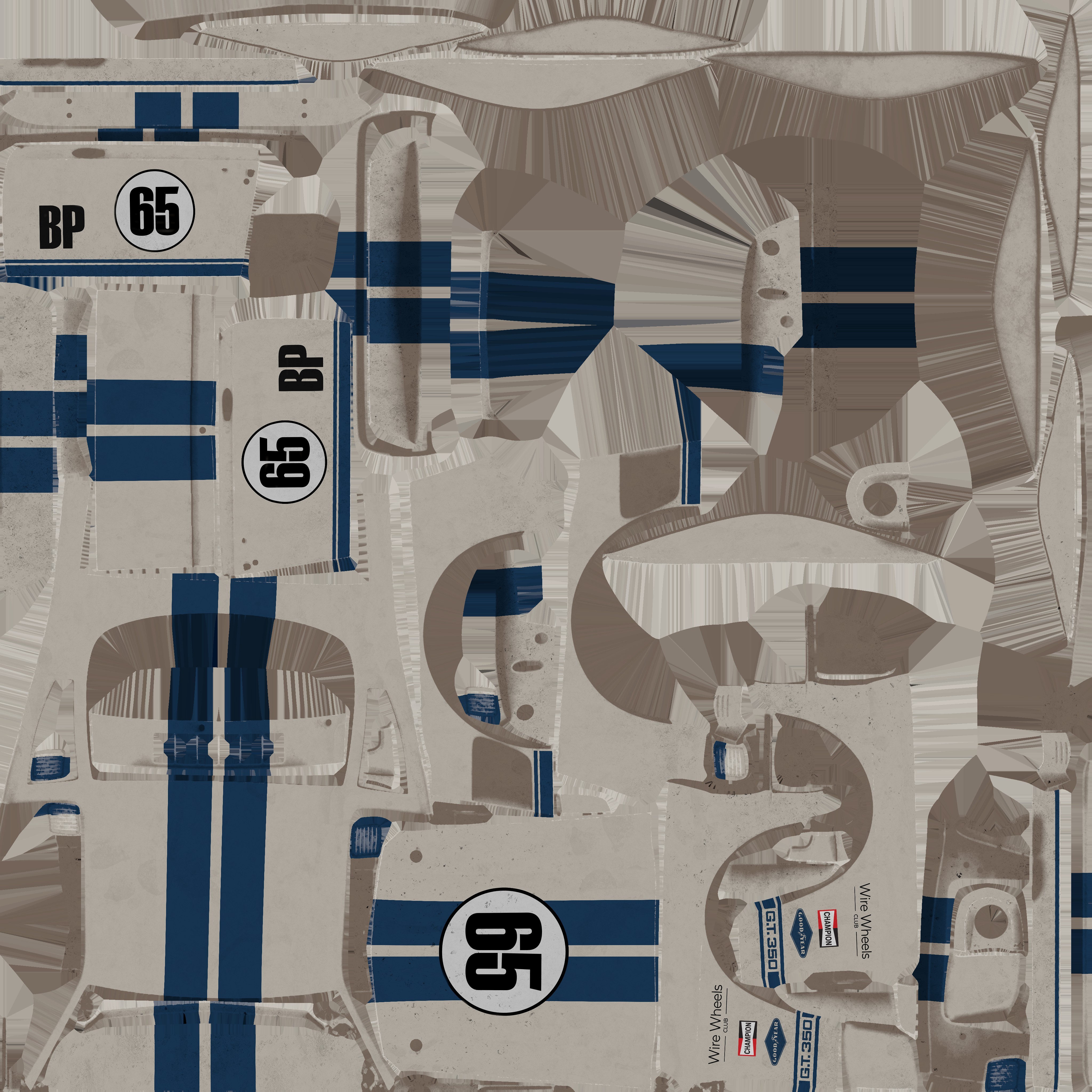
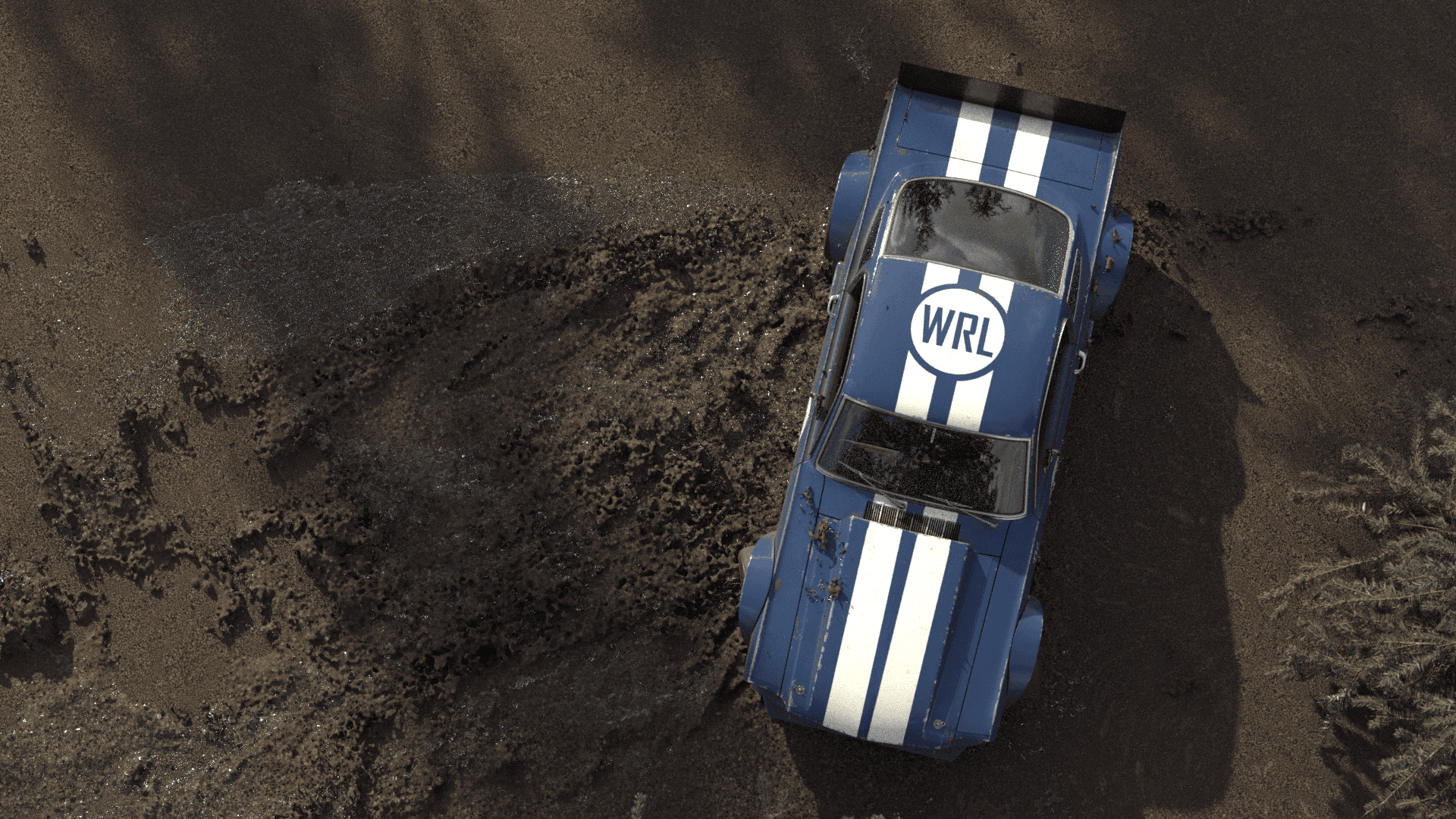
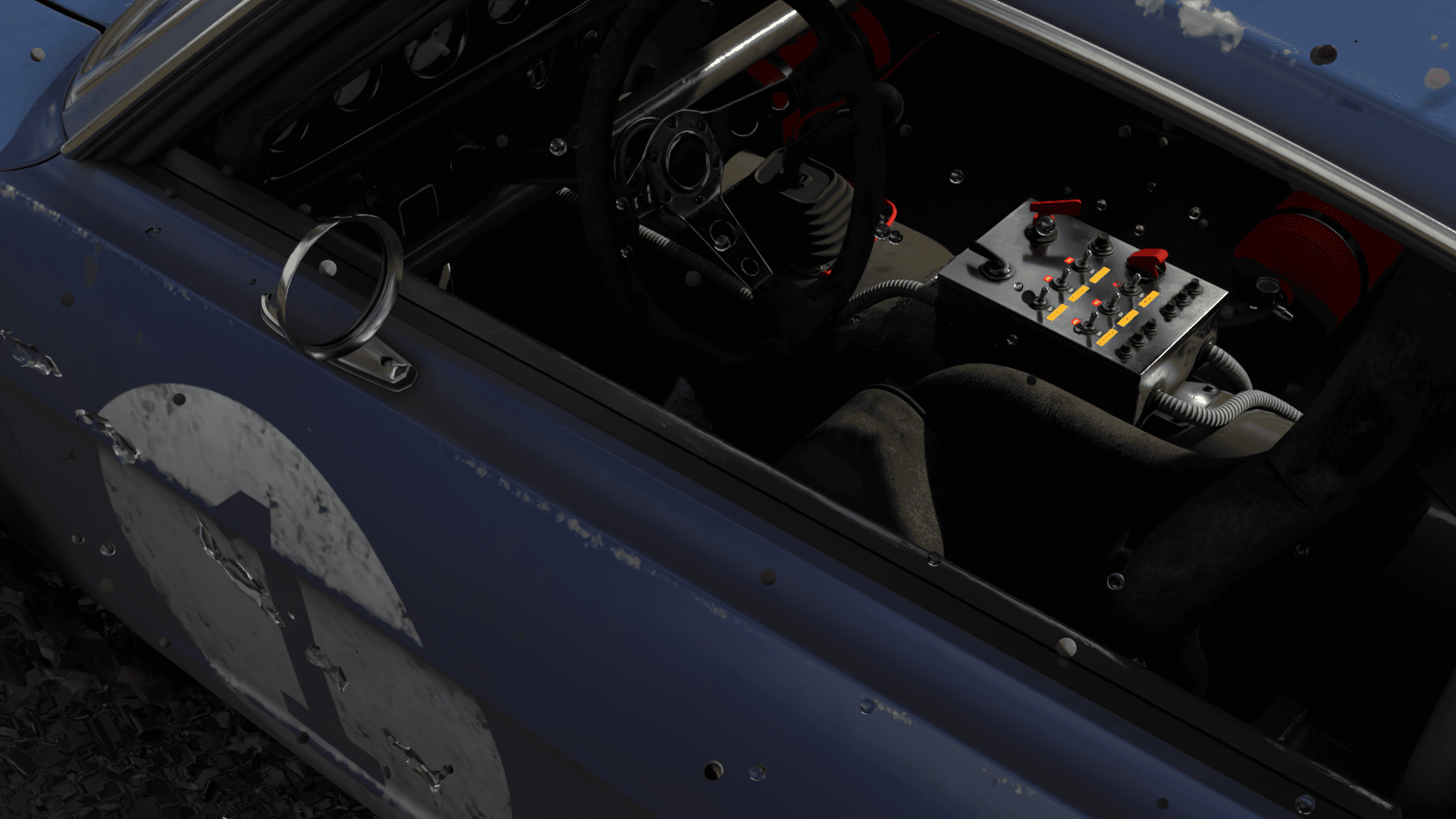
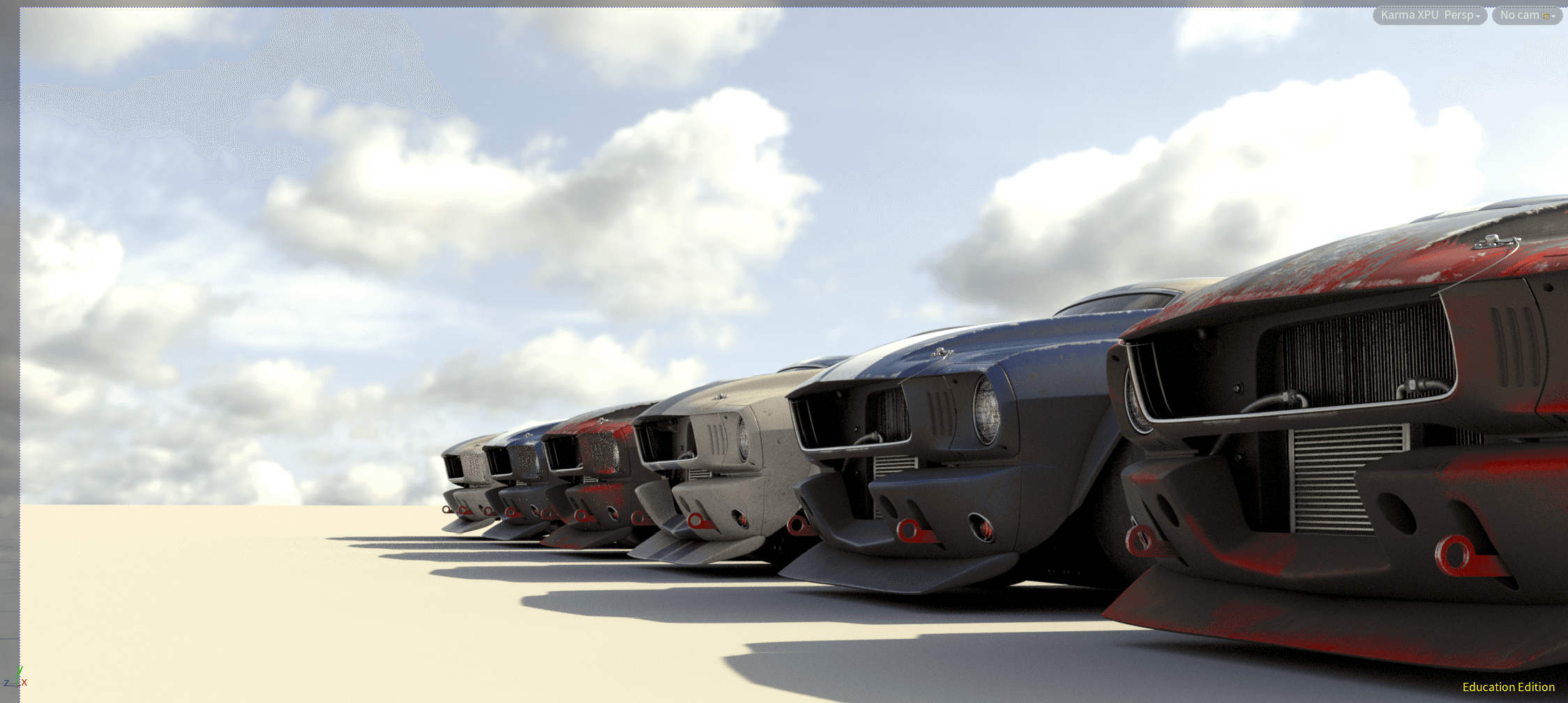
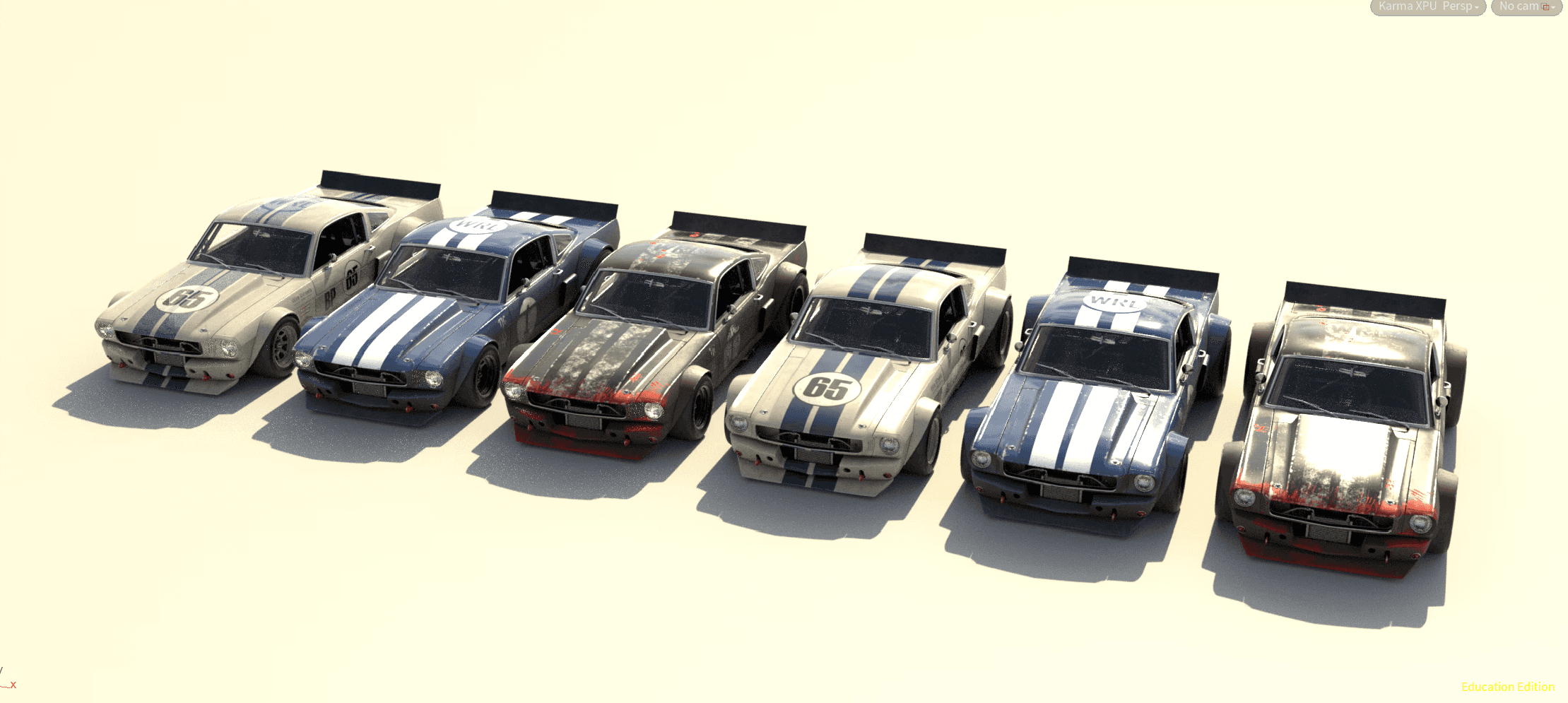
this project started with a beautiful car model from wire wheels club that i then made variants of in substance painter to be called at render time. this cot me used to the usd pipeline and the idea of a more procedural approach to texturing.
Final tree setup using scattered points and copying tree variants to them
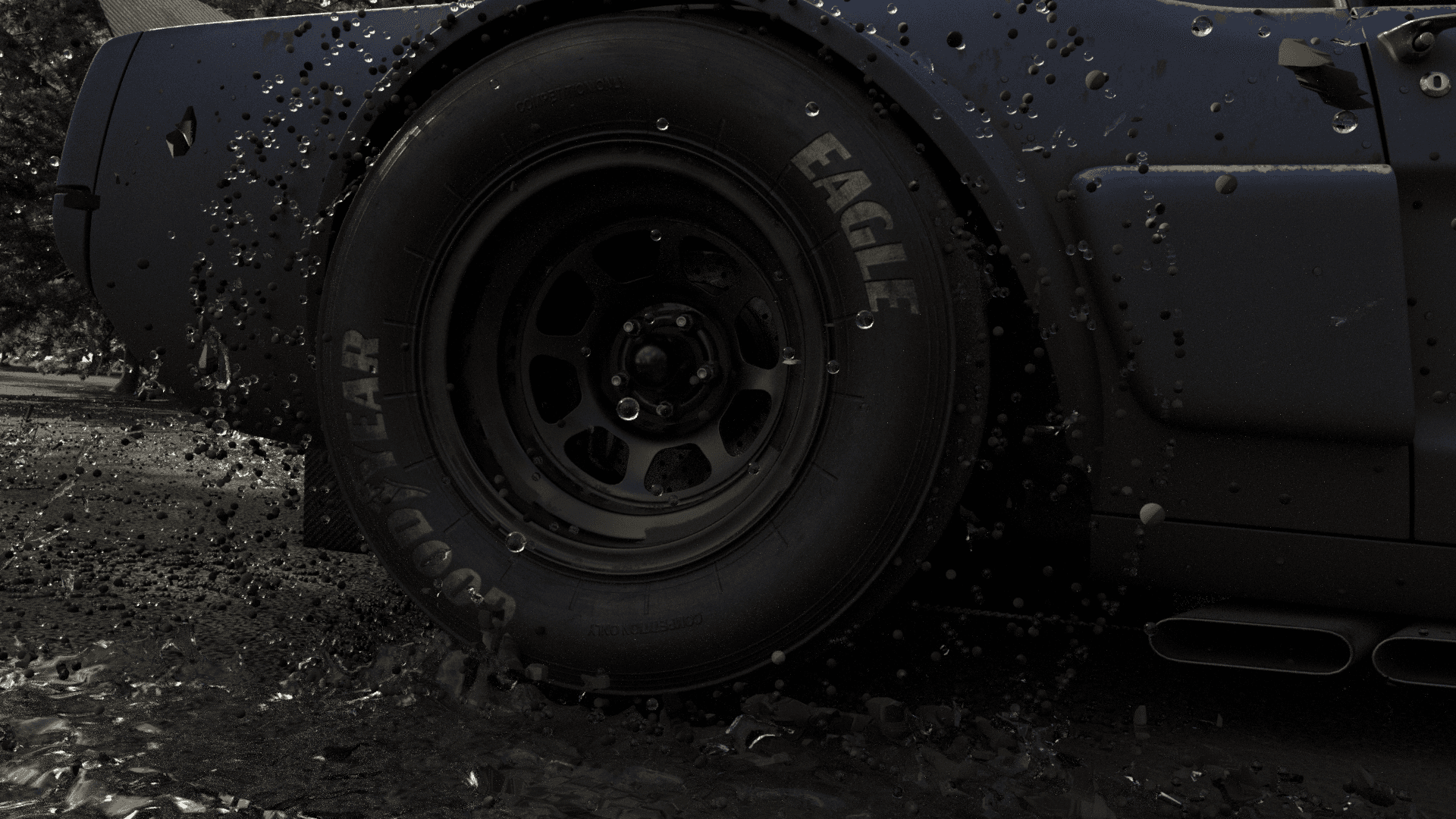
After a simple setup using the car’s named attributes, the rig automatically paired itself with a drivable version of the model—almost like a video game. Once I found a layout I liked, I keyframed the acceleration, braking, and steering angles to create a smooth drifting motion.
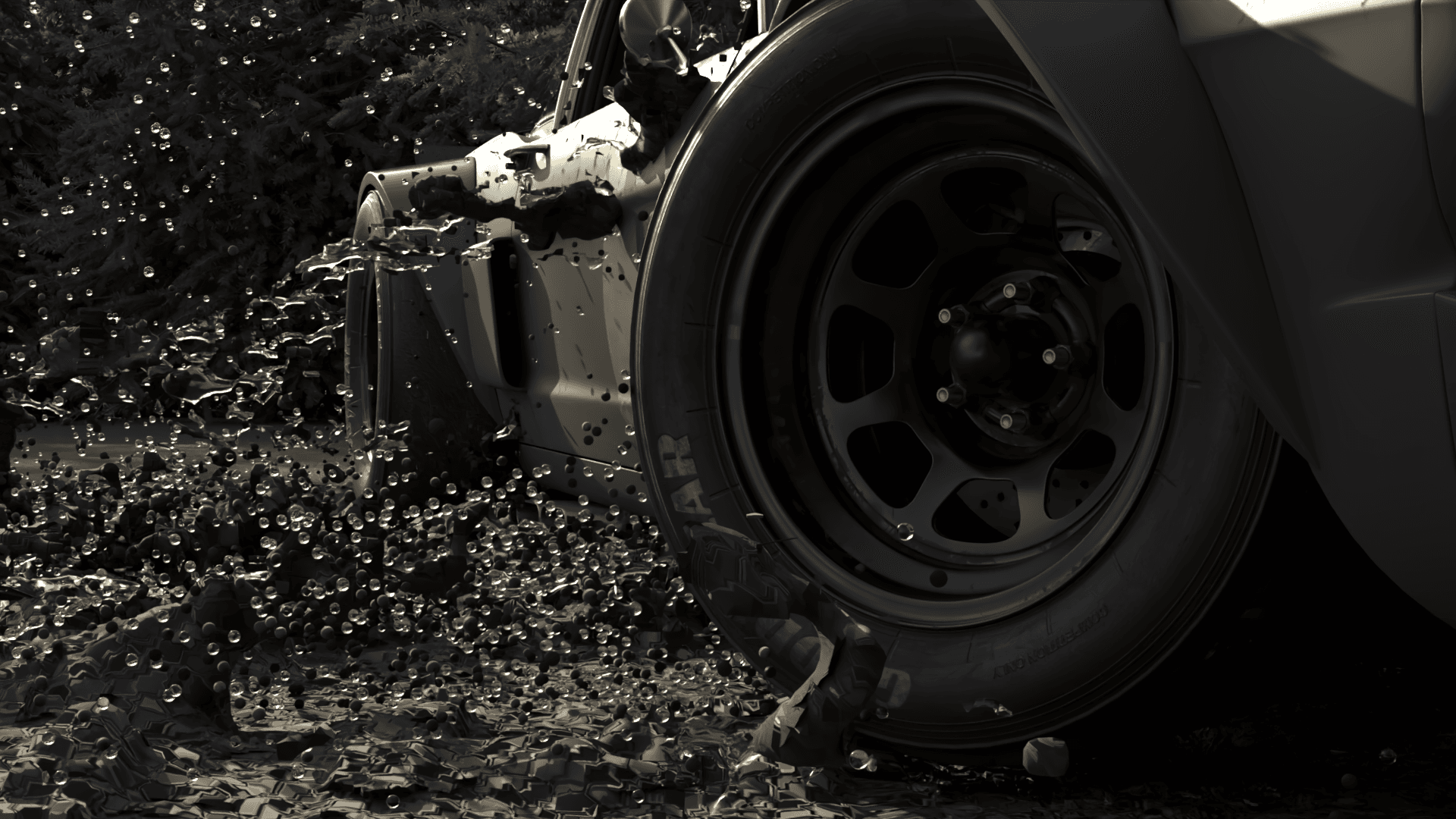
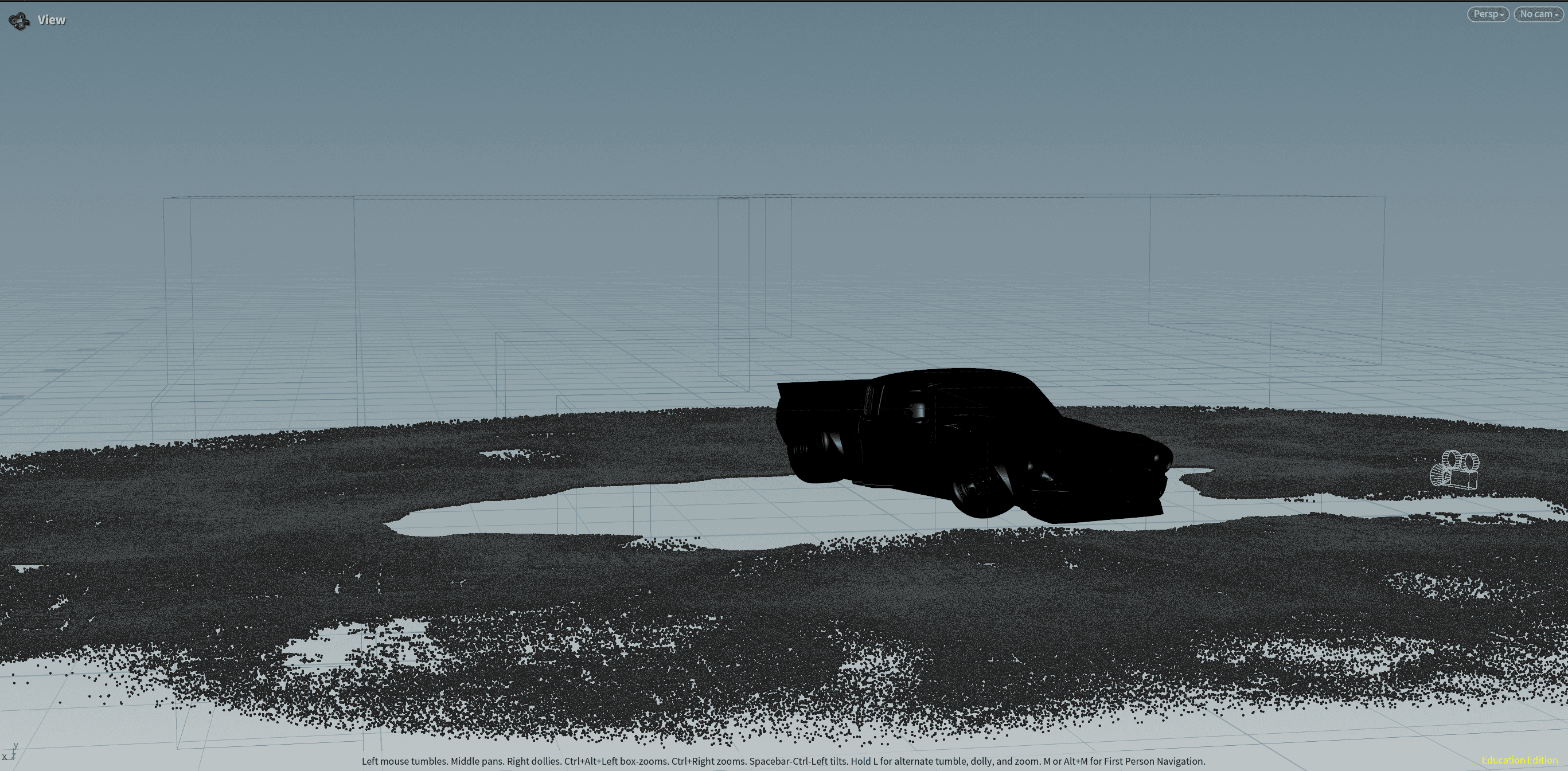
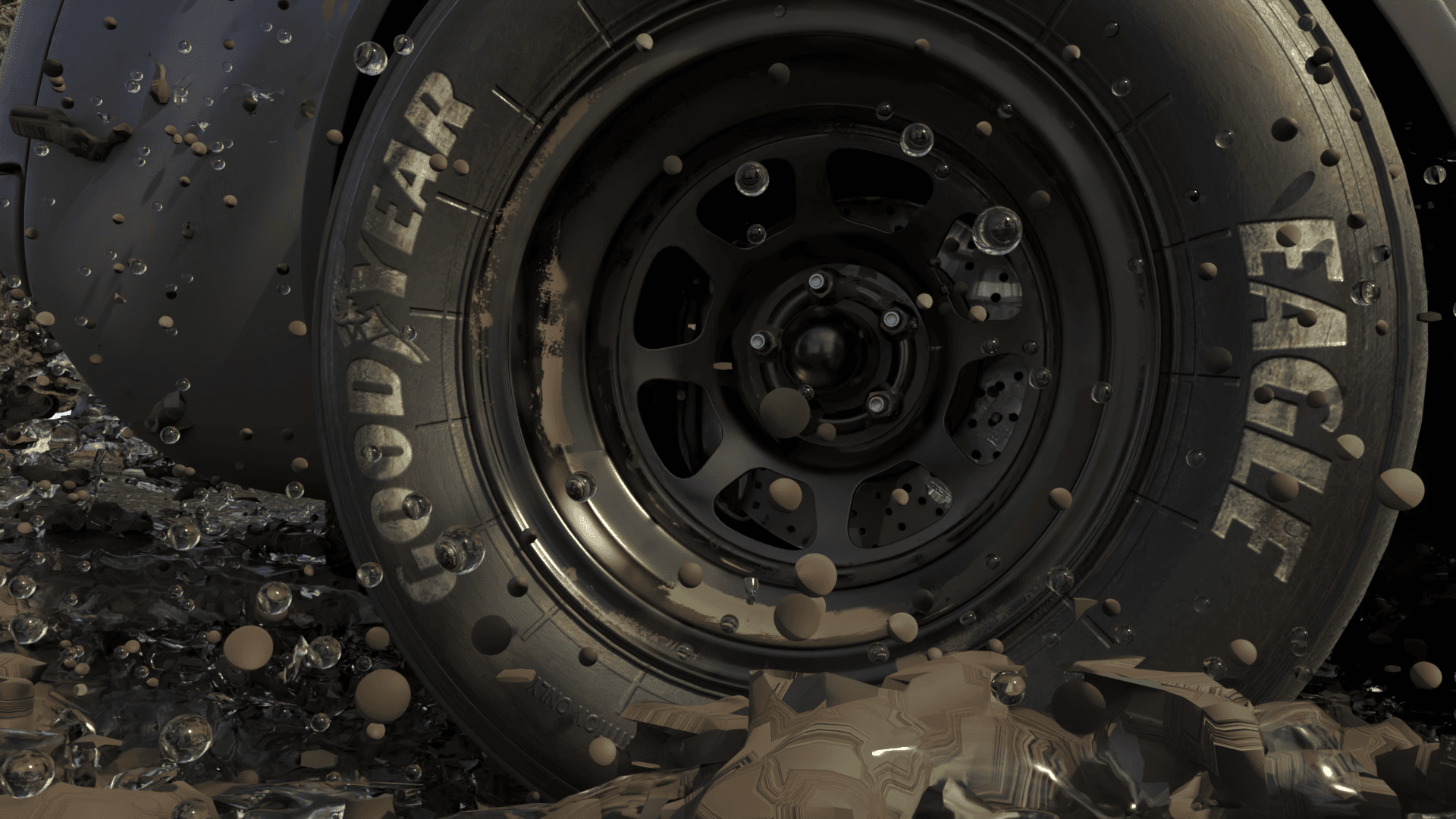
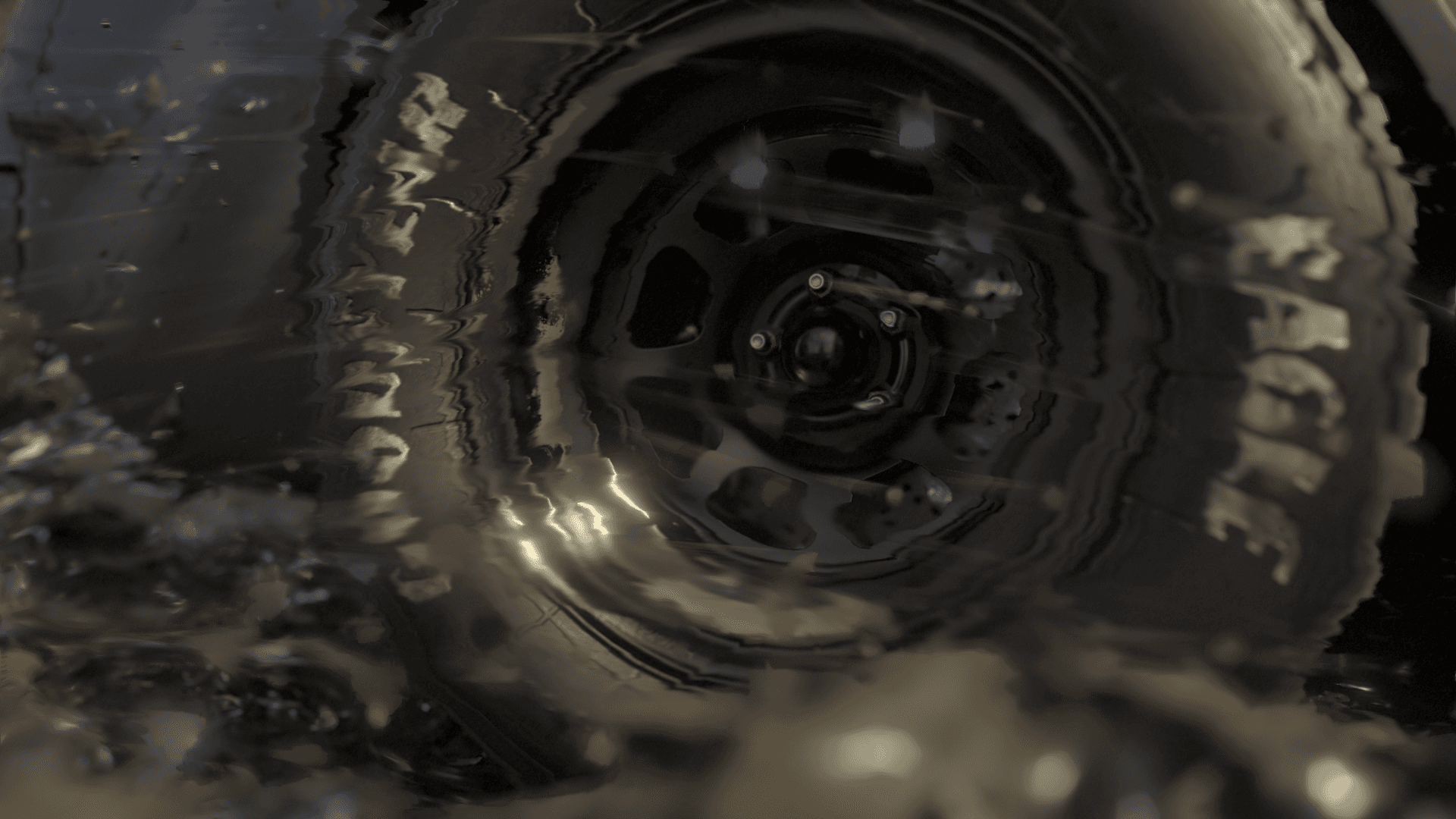
Using a modified and simplified version of the MPM solver provided by the technical director, I went through each step of the simulation and cached the results. Those individual caches were then compiled into one final, cohesive simulation.
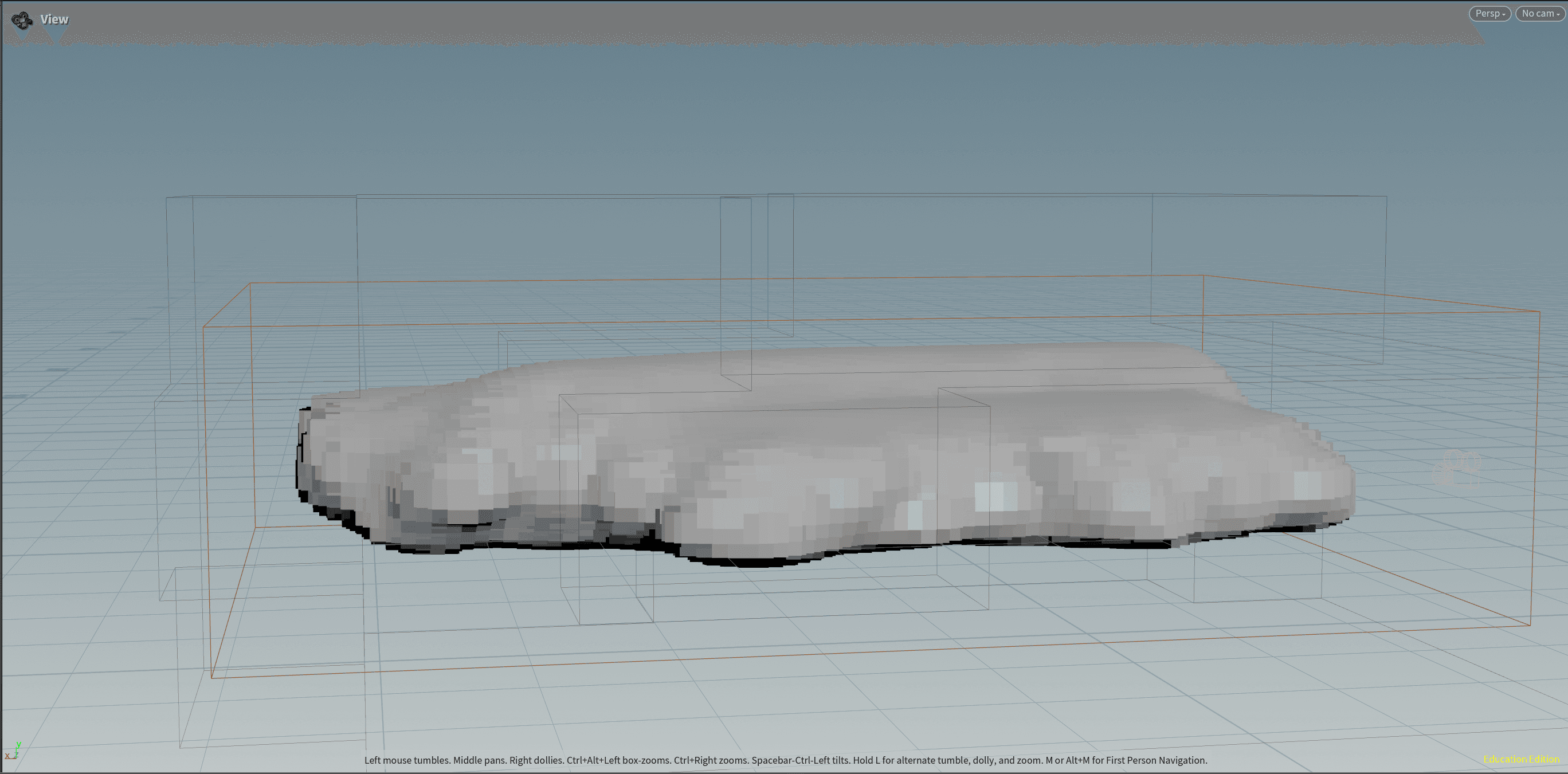
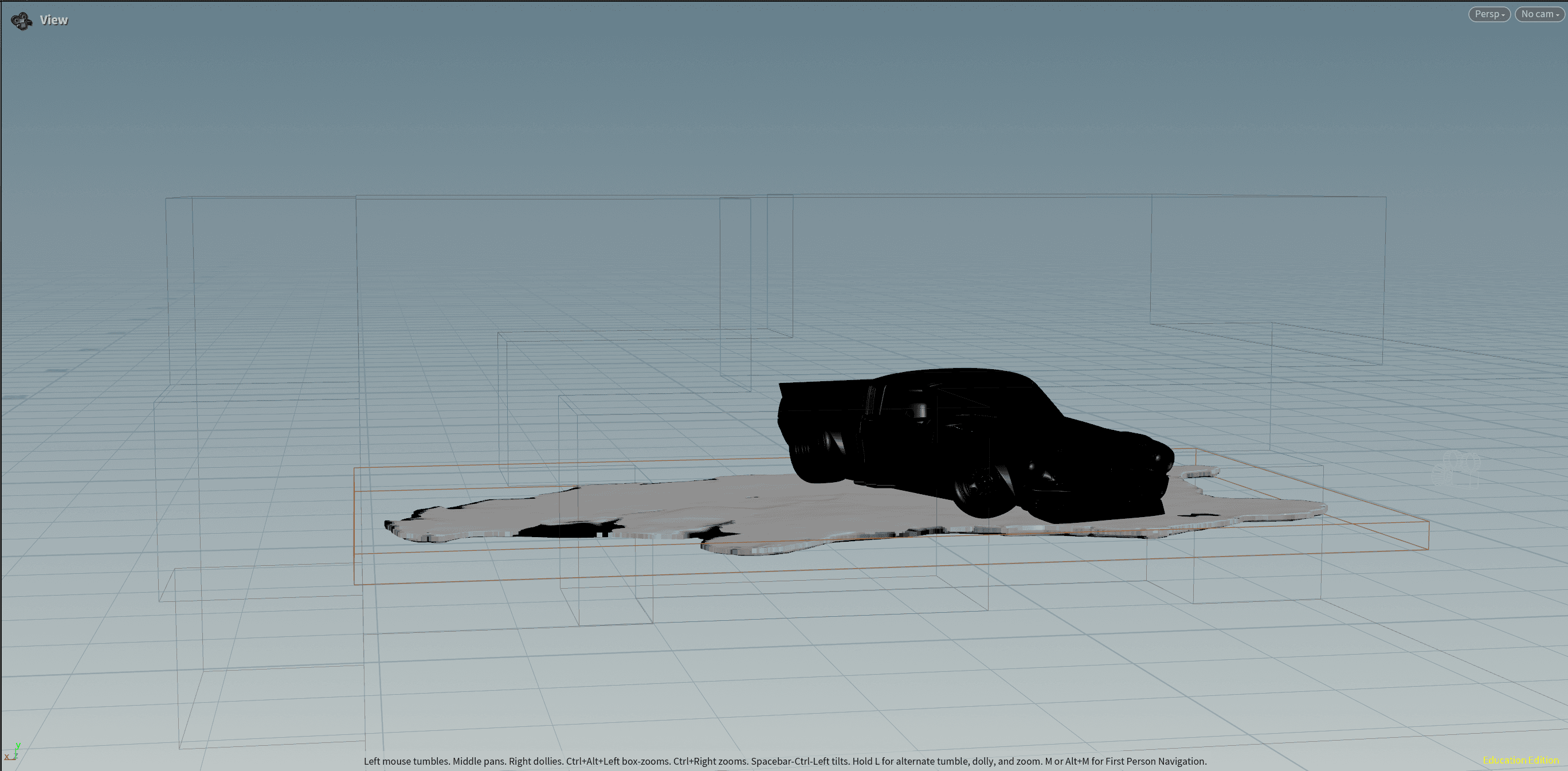
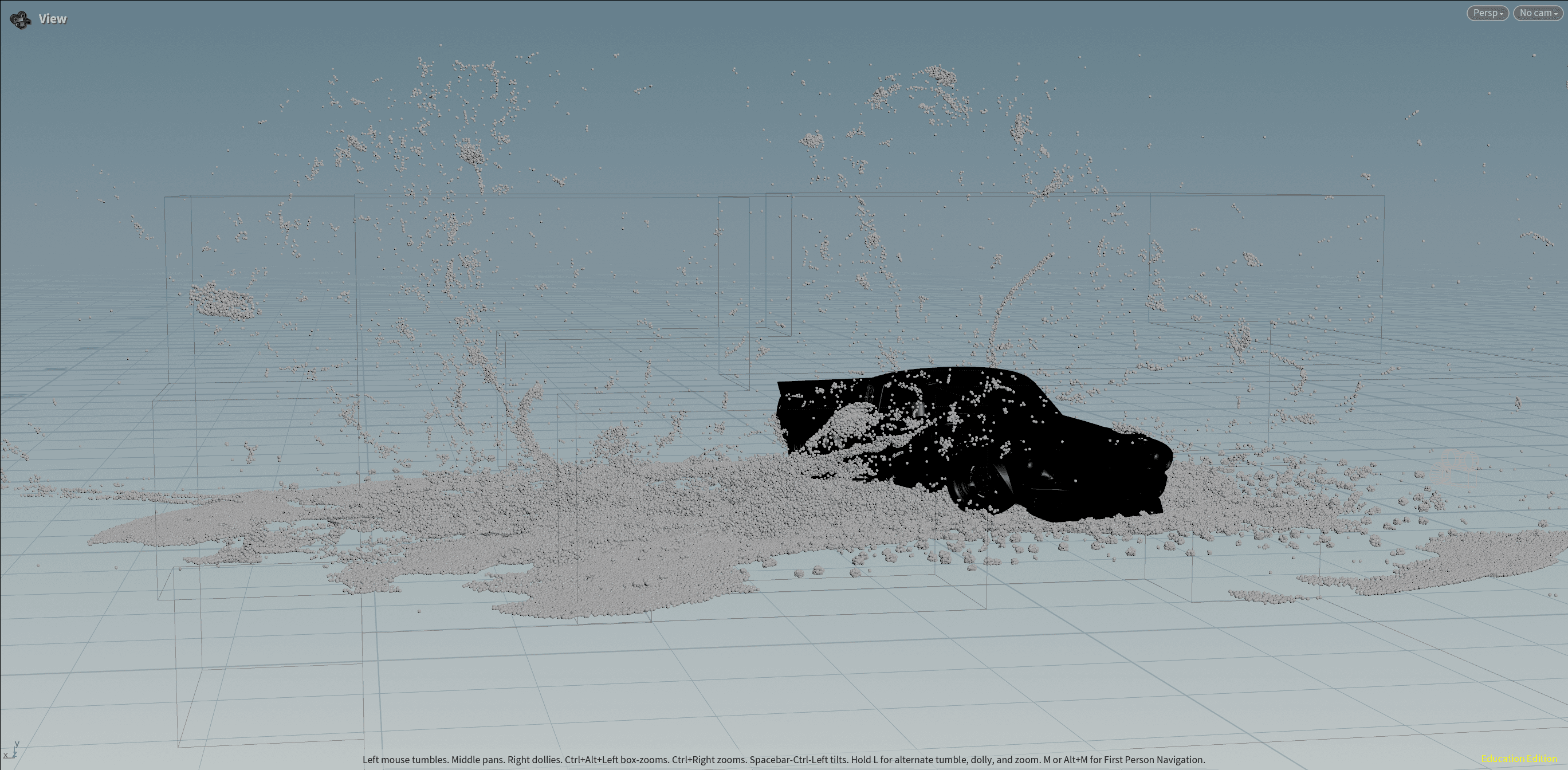
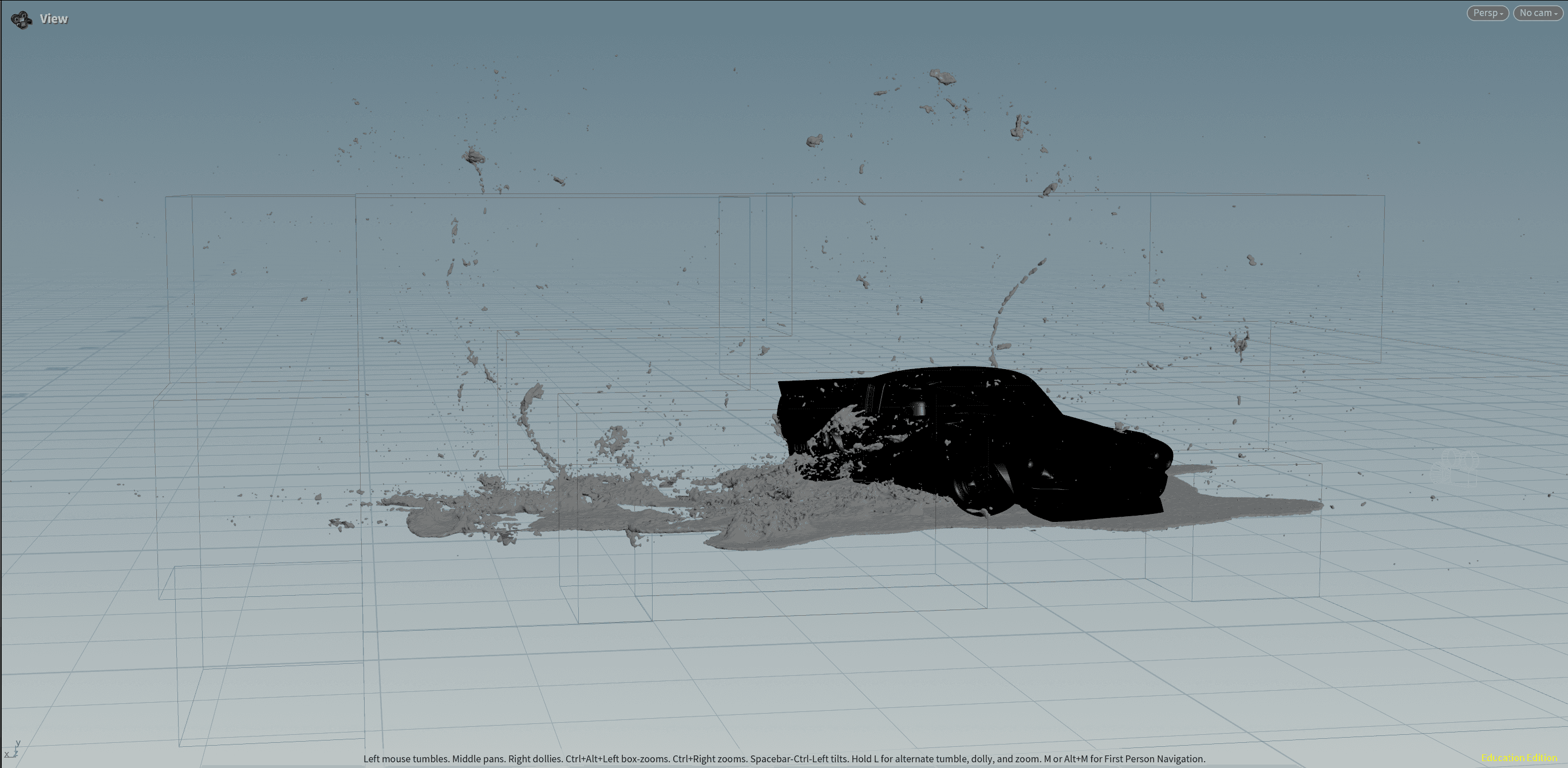
Final tree setup using scattered points and copying tree variants to them
Final tree setup using scattered points and copying tree variants to them
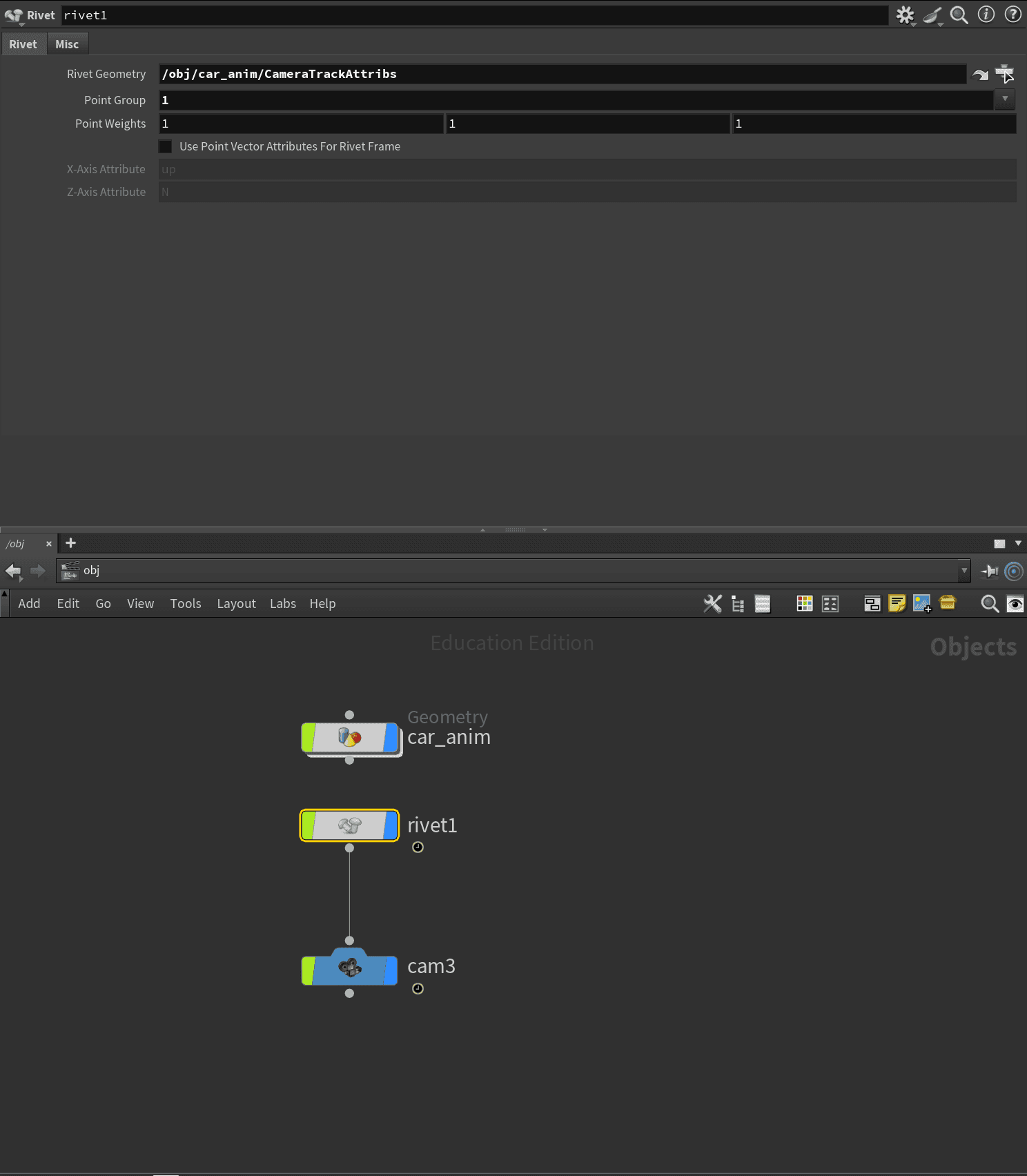
For one of the additional shots, I used an Attribute Wrangle in the RBD rig to grab the center point of one of the tires. With that point, I added a Rivet node to lock the camera in place, which gave me a really nice, dynamic follow shot.
Final tree setup using scattered points and copying tree variants to them
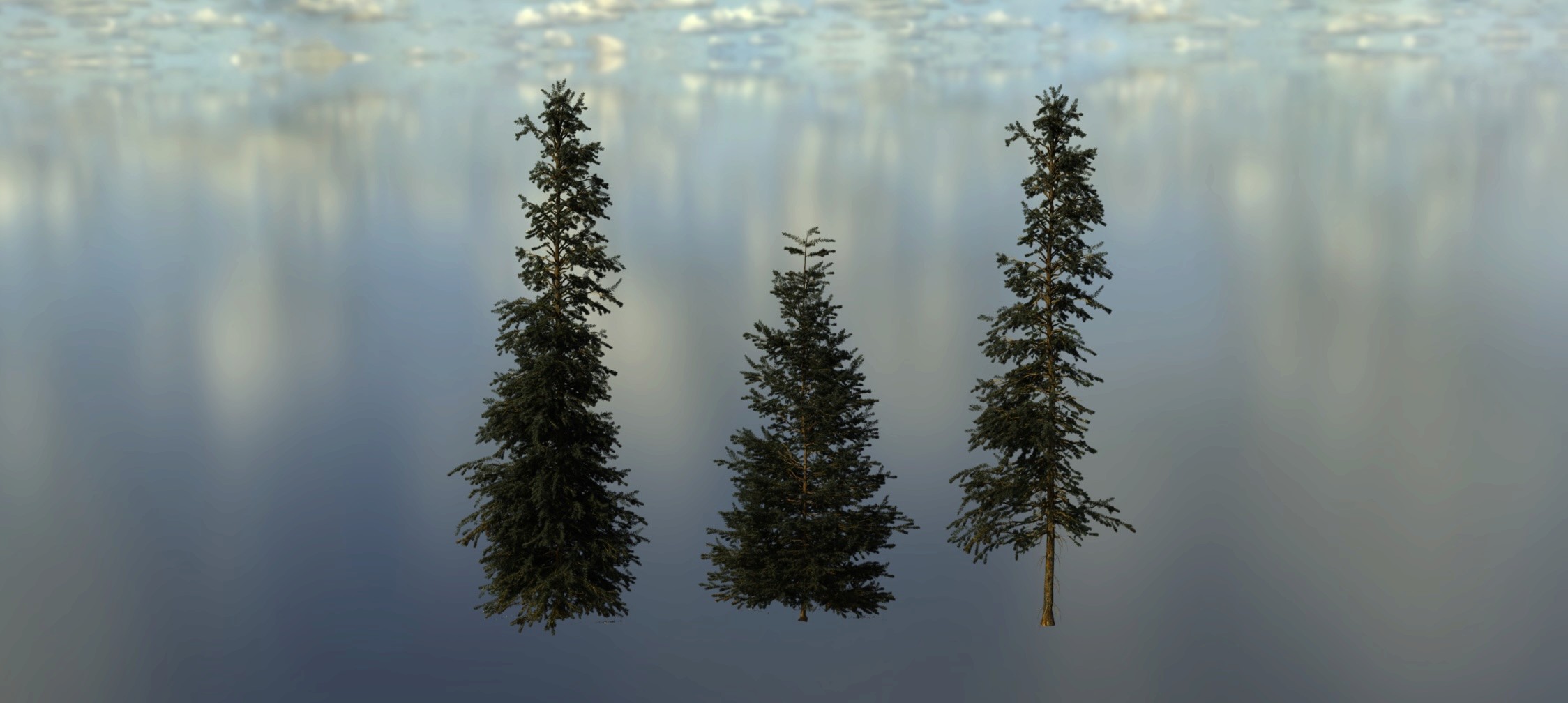
Tree variants provided by director
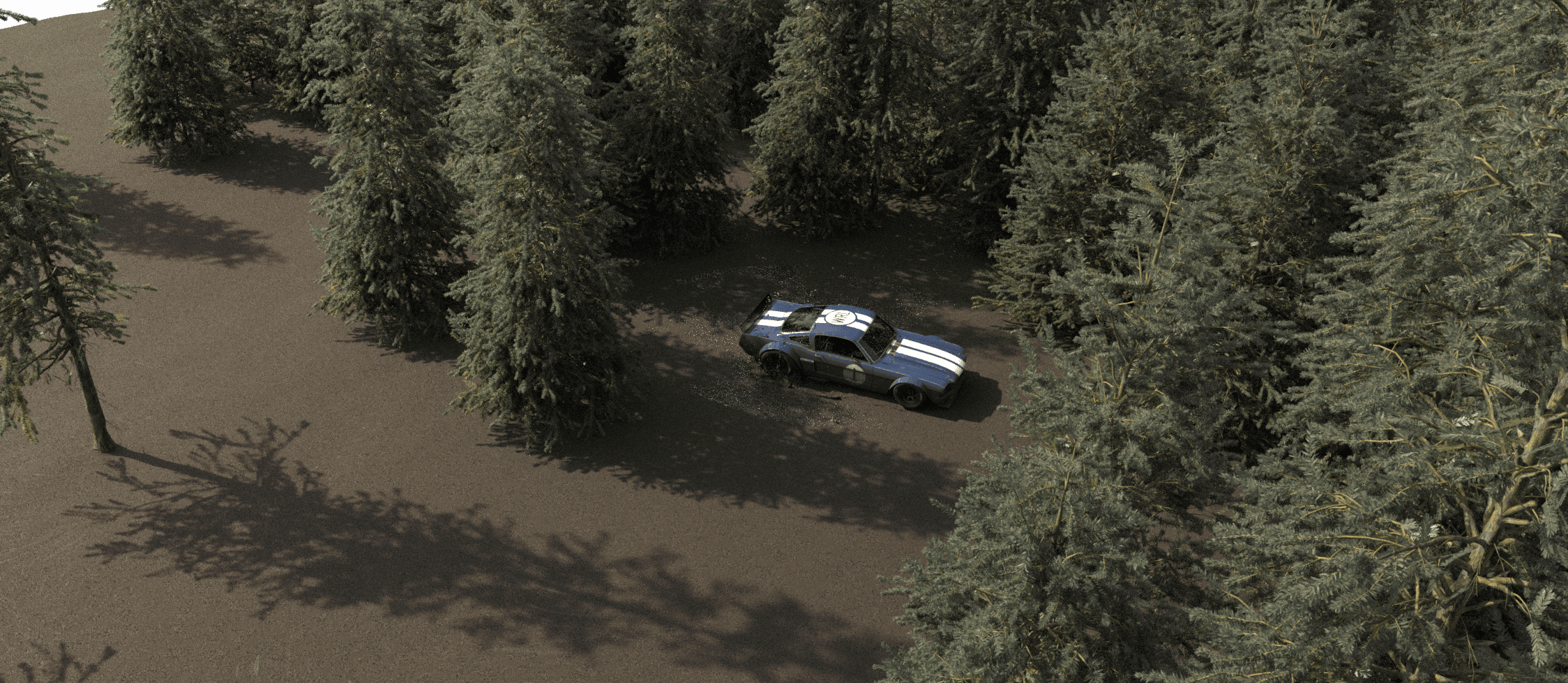
Adding some premade USD trees to frame the animation helped tie the whole scene together. I scattered points across the ground surface to place the trees, then used a Blast node to selectively remove points until I landed on a distribution I was happy with.
" height="36px" id="g_z7TN_4a" width="37px"/></svg>)